Scheduling
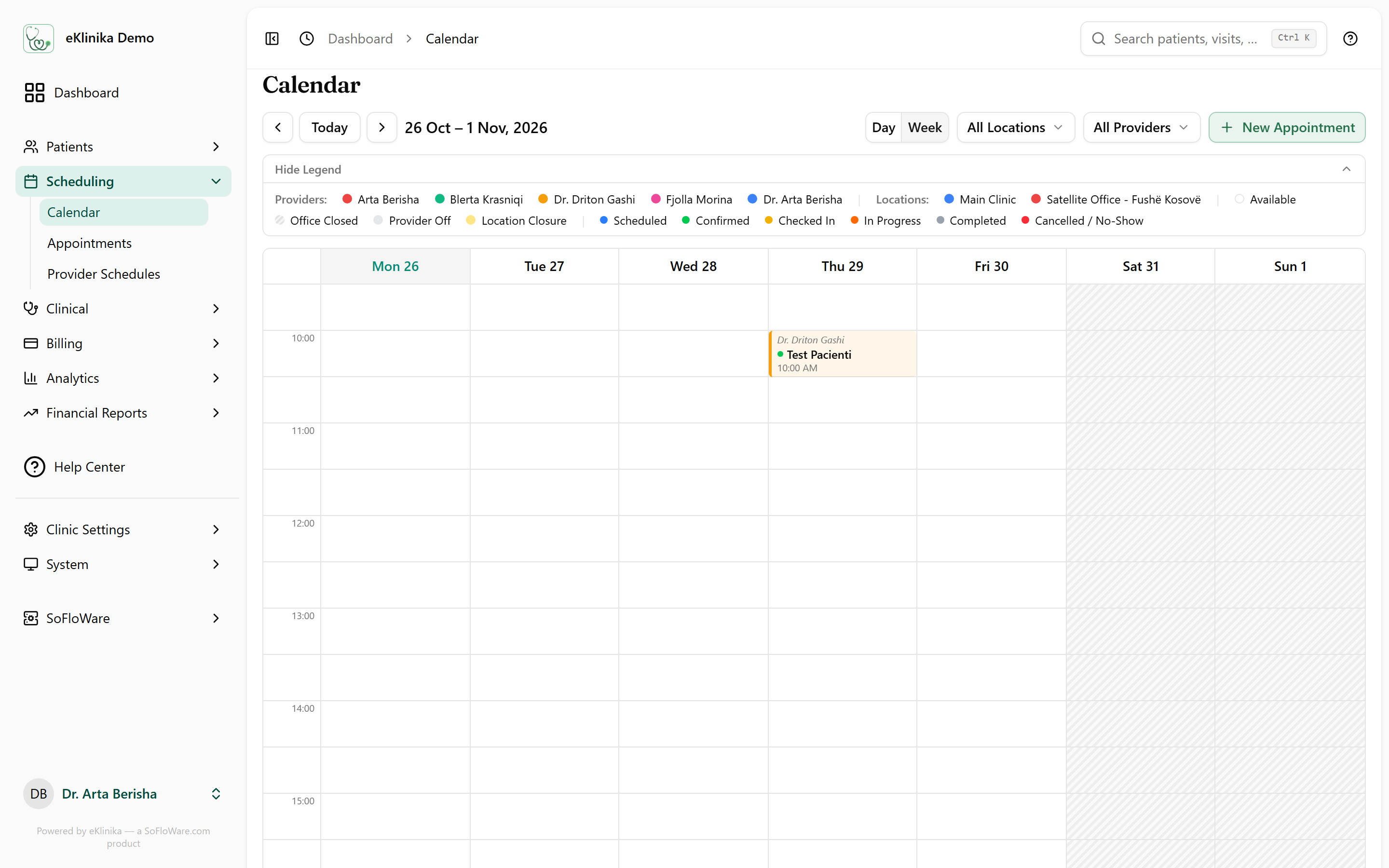
The calendar shows every provider and location in one place. Staff book appointments, see who is off, and move patients from the waiting list when a slot opens.
What it does
- Day and week calendar views, filtered by location and by provider, with a color per provider.
- Appointment statuses on the calendar: scheduled, confirmed, checked in, in progress, completed, and cancelled or no-show.
- Provider work schedules and absences. Days a provider is off and location closures show on the calendar.
- Conflict detection that warns when a new appointment overlaps an existing one.
- A waiting list for patients who do not have a slot yet.
- Email reminders sent a set number of hours before the appointment. The clinic chooses the hours in its settings.
- Optional online appointment requests from the clinic's public page. A request arrives with the status requested, and staff confirm it.
How it fits
An appointment belongs to a patient and leads to a visit. Reminders go out by email, and online requests come in from the clinic's public page.
Related
See eKlinika with demo data
Tell us about your clinic: country, specialty and team size. We reply by email to arrange a walkthrough.