Backups
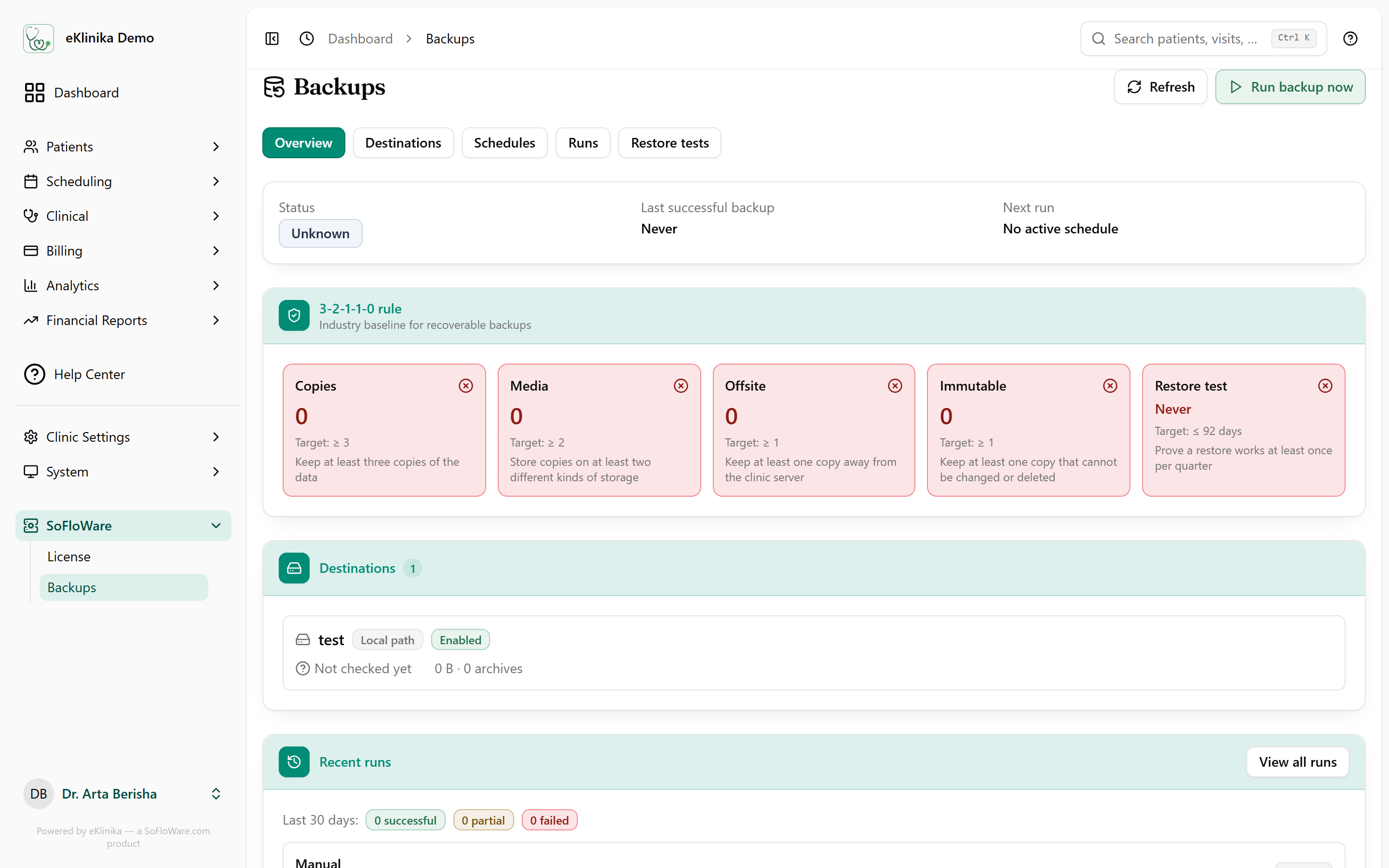
Backups are managed in the app, not in a server script. The clinic picks where copies go and when they run, and eKlinika checks that a copy can be restored.
What it does
- Each backup holds a database dump and the clinic's private files.
- Destinations: local disk, SFTP, S3, Azure Blob, Google Drive, Dropbox and WebDAV.
- Encrypted backup archives.
- Schedules managed in the interface, nightly at 01:30 by default.
- Missed-run detection when a scheduled backup does not happen.
- Automatic pruning of old archives by retention rules.
- Restore tests that restore a copy and verify key tables.
- An overview that checks the setup against the 3-2-1-1-0 rule: copies, media, offsite, immutable and restore test.
- Email alerts about backup problems.
How it fits
Backups sit in the system menu next to the other administration pages. The how it works page covers how backups fit with hosting and updates.
Related
See eKlinika with demo data
Tell us about your clinic: country, specialty and team size. We reply by email to arrange a walkthrough.