Administration
Administration is where the clinic sets eKlinika up for itself: who can do what, which locations and specialties it has, and how long data is kept.
What it does
- Six roles: Administrator, Manager, Receptionist, Doctor, Nurse and Finance.
- 130 permissions, checked on the server, not only hidden in the interface.
- User accounts with passkey sign-in, and a list of active sessions that can be revoked.
- Locations, departments, and lookup lists such as payment methods and document categories.
- Clinic settings for the language, date format, logo and data retention periods.
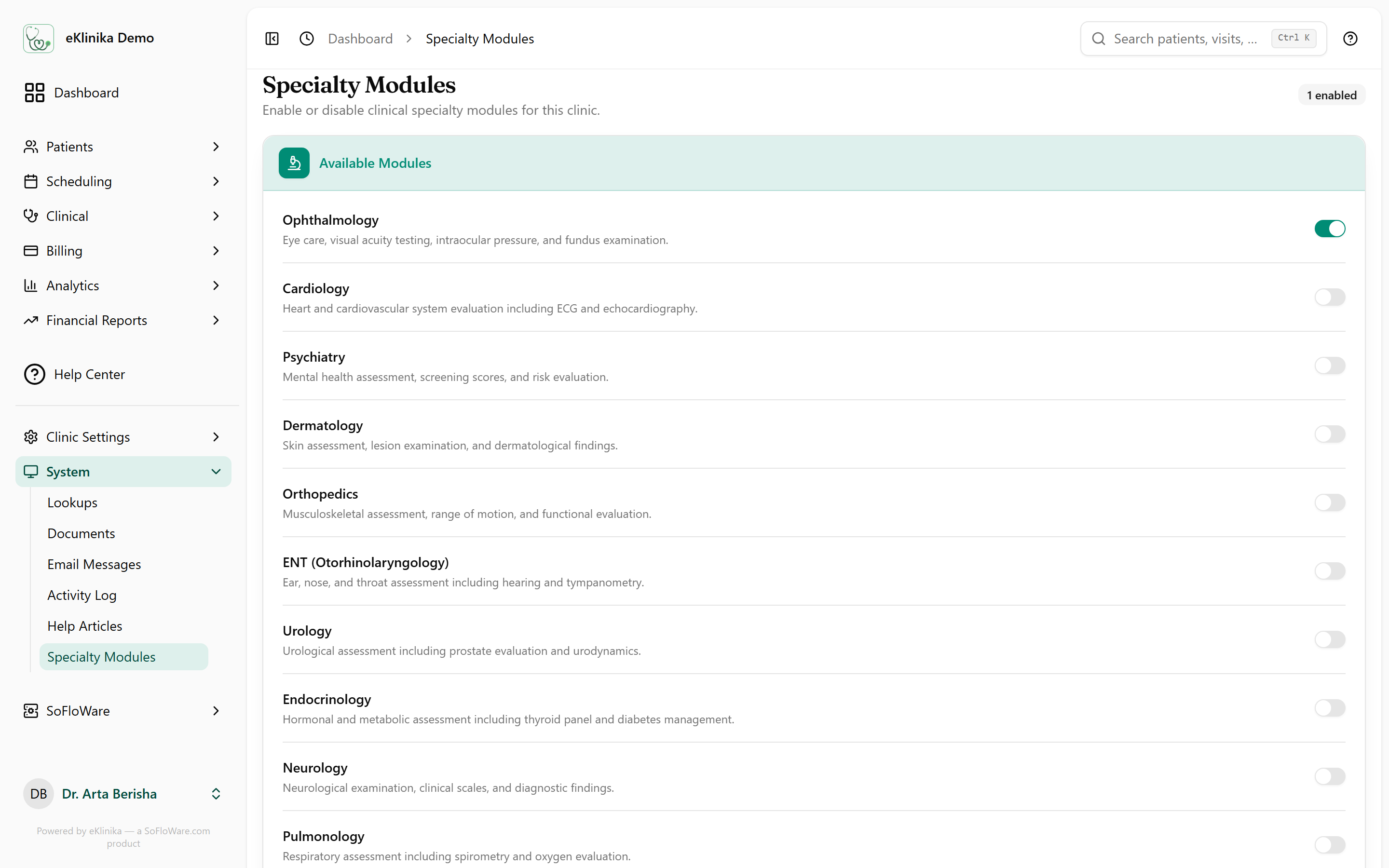
- Specialty modules switched on per clinic.
- Help articles and field tooltips inside the app, editable by staff with the right permission.
- An activity log of who created, changed or deleted what, kept for five years.
- Global search, opened with Ctrl+K.
See eKlinika with demo data
Tell us about your clinic: country, specialty and team size. We reply by email to arrange a walkthrough.